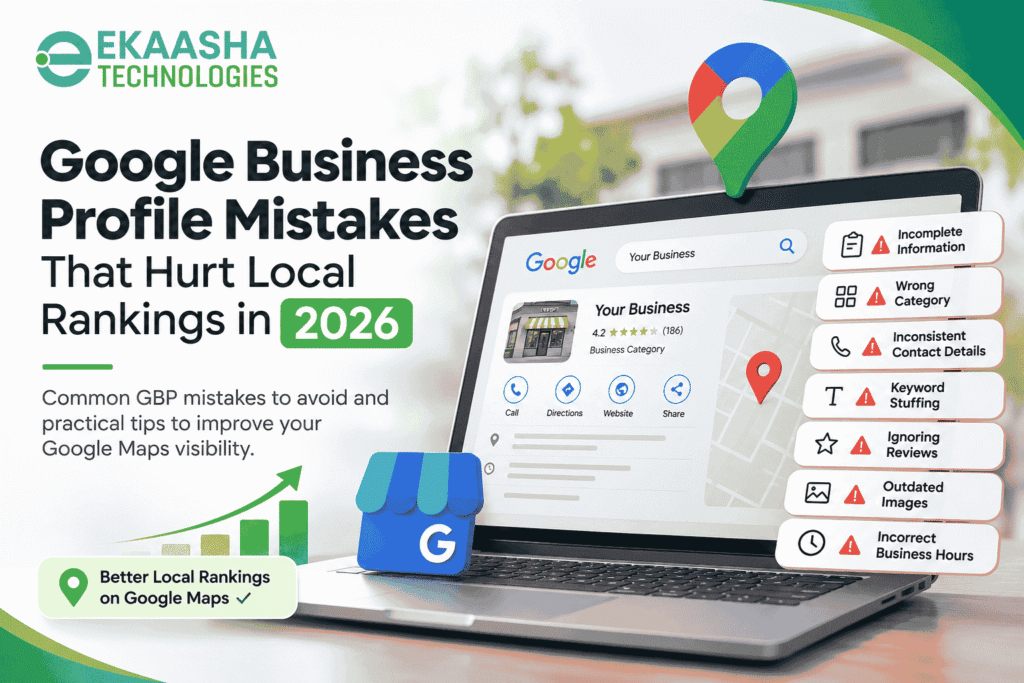

Google My Business is used by customers in order to discover the businesses via Google Search and Google Maps. Regardless of the type of the businesses like hospitals, clinics, restaurants or any others, the proper Google My Business listing would make it possible to receive all necessary information.
Here is the list of most common mistakes made by businesses using Google Business Profiles and preventing from gaining visibility, confusing their clients and destroying their credibility. These include mistakes regarding contact details, wrong category, outdated information, and ignoring the reviews.
According to the predictions, the process of maintaining an up-to-date Google Business Profile will be critical in terms of local SEO by 2026. This guide will describe the mistakes to avoid and how to optimize Google Business Profile.
Why Google Business Profile Matters for Local SEO
Google Business Profile is a free service that makes it possible for eligible businesses to control the way their data will be presented on Google Search and Maps.
With a properly optimized listing, clients will be able to get such information as:
- Business name, address and phone number
- Business opening times and holidays
- Business services and categories
- Reviews and business replies
- Images, website links and directions
According to Google, local results depend on such factors as relevance, distance, and prominence.
Relevance refers to the extent to which a business matches the customer’s query. Distance takes into account the location of the searcher or specific place. Prominence shows the popularity of a certain business on the grounds of different factors.
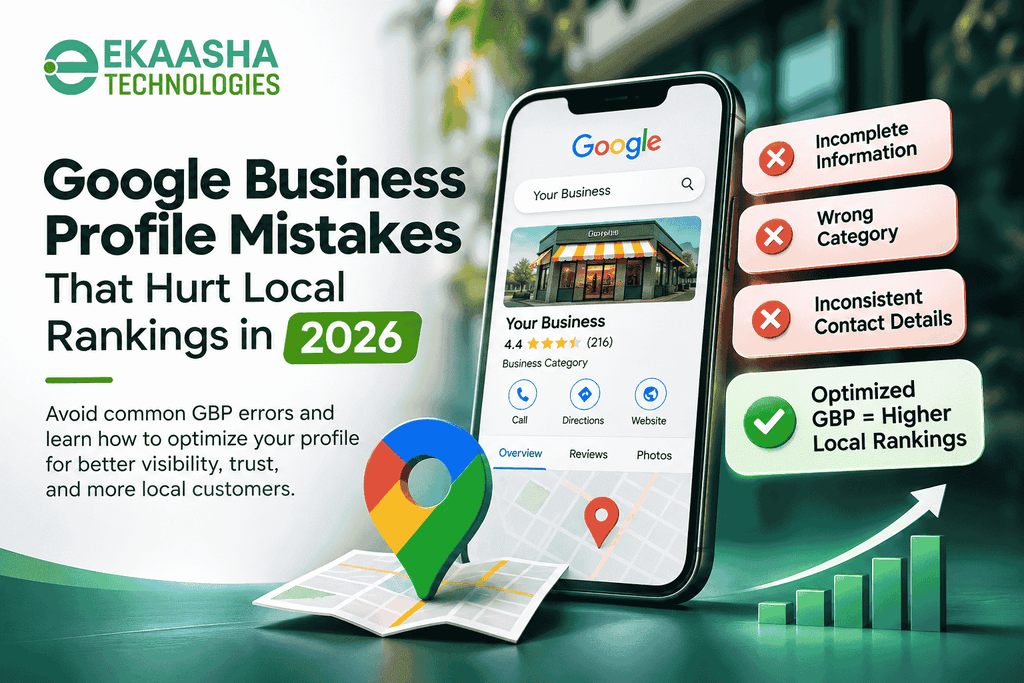
10 Common Google Business Profile Mistakes That Hurt Local Rankings
Knowing these Google Business Profile mistakes will be helpful for businesses to recognize problems and optimize their online presence.
1. Incomplete Business Information
Incomplete information might make it hard for customers to understand the services provided by a business.
The absence of such elements as contacts, business descriptions, working hours might cause some misunderstandings for users.
How to fix it:
- Fill in all necessary fields on the profile.
- Fill in the contacts accurately.
- Write a brief business description.
- Update working hours of the business.
Complete and accurate information will be helpful for Google in understanding your business.
2. Choosing an Incorrect Business Category
Picking an incorrect business category is among the most critical Google Maps ranking mistakes.
For instance, a diagnostic lab should pick up a category that reflects its primary activity and not any other one in order to attract more searches.
How to fix it:
Choose the most specific primary business category that reflects your business.
3. Discrepancies with Business Name, Address, and Phone Number
Information on the website, Google Business Profile and other listings should be consistent.
Inconsistent contact details may lead to customer confusion.
The solution to this issue is:
Regularly check your business name, address, and phone number and update it where necessary to make sure that all data is current.
4. Addition of Keywords to the Business Title
Sometimes companies use business profiles to add keywords and location to their title, which may not actually be present in their business name.
It violates Google’s policies regarding representation of a business.
The solution to this problem is:
Use the proper name of the business in your profile title. Use only descriptions and services offered in the profile itself.
5. Disregarding Customer Reviews
Customer reviews can assist potential customers in gaining insight into their experience with the business.
Disregarding customer feedback might make one think that customer complaints are being ignored.
Solutions:
- Encourage customers to leave reviews.
- Answer positively and constructively all the feedback.
- Do not offer any reward for leaving reviews.
- Never purchase or post fake reviews.
In case of medical businesses, it is necessary to maintain patients’ confidentiality. Do not disclose any information about the treatment and patients themselves.
6. Using Outdated and Deceptive Images
Photos can assist customers in recognizing the business and understanding what its facilities are like.
Nonetheless, outdated photos or those that are not related to your business will give customers wrong expectations.
Solutions:
Post clear and relevant photos of your business facilities, entrance, and others.
Healthcare organizations should obtain appropriate consent before sharing images that identify patients or disclose sensitive information.
7. Incorrect Business Hours
Incorrect business hours can result in customers’ visits when the business is closed.
This especially applies to healthcare organizations that need to provide consumers with reliable information regarding opening times.
Solution to the problem:
Revise your standard, holiday and planned closure schedules.
Be sure to inform consumers about emergency service and outpatient department if they have different schedules than the rest of the departments.
8. Ignoring Services and Business Description
The business profile that does not include the information on services provided by the business will lack sufficient information for those comparing businesses in the area.
For example, consumers looking for particular medical services will need to know about the facilities before calling the hospital or medical center.
Solution to the problem:
Give a brief and factual description of your business. Include relevant services where possible.
9. Creating Duplicate or Non-Eligible Listings
Duplications of listings can mislead consumers as well as cause problems within business information management.
Creating duplicate listings for non-eligible businesses according to the rules of Google will lead to restrictions too.
How to fix it:
Be sure there is no listing describing your business before you create a new one.
Follow the requirements of Google regarding eligibility in relation to physical locations, service area businesses, independently eligible departments or professionals.
Request necessary changes if there are duplications of listings.
10. Disregarding Profile Performance and Updates
Another local SEO error can be defined as neglecting the significance of profile maintenance.
Changes can occur both in business information and consumer behavior.
How to fix it:
Analyze the performance data and consumer interaction regularly.
Pay attention to the statistics of website visits, calls, directions and other data which can help you see how consumers find your listing.
Remember that performance data has nothing to do with rankings position.
Google Business Profile SEO Checklist for 2026
This checklist for Google Business Profile optimization can help you analyze your profile.
- Ensure that your business profile is verified.
- Choose your business name carefully.
- Select proper primary and secondary categories.
- Ensure verification of address, contact number, and website.
- Change business opening timings.
- Enter descriptions of the business and services.
- Upload photos of your business.
- Deal professionally with reviews of customers.
- Look for duplicate or incorrect listings.
- Monitor the performance of your business profile.
A business profile can improve its local presence by keeping a comprehensive website and ensuring that all the important pages are indexed in search engines.
For further information on local presence, visit our Step-by-Step Guide to Getting into Google Local Pack.
When Should You Consult a Doctor?
Google Business Profile optimization is an activity associated with digital marketing, and not medicine. But individuals who are looking for medical services must not depend only on their positions in Google Maps and on ratings given by previous clients to make up their mind on visiting a healthcare facility.
It would be best if you contacted a qualified physician in case you experience some symptoms that do not go away and worry you.
If you experience some critical symptoms, like problems with breathing, heart attack symptoms, or the symptoms of a stroke, then you should immediately contact emergency medical service instead of wasting time browsing through the Internet.
Frequently Asked Questions
1. Can the mistakes in Google Business Profile affect the local ranking?
Yes. Wrong categorization, incomplete information and policy violations can affect the efficiency of profile representation. However, there are many other factors affecting local rankings – namely, relevance, proximity and prominence.
2. How often should one update the Google Business Profile?
Any changes in important information about a business should be done when needed. One may consider checking the accuracy of a profile monthly, while holidays, temporary closures and contact information should be changed immediately.
3. Can the addition of more keywords affect Google Maps rankings?
No. The repetition of the same keywords won’t do anything for the ranking. Besides, the addition of marketing keywords to a business name is a policy violation.
4. Can negative reviews lower the ranking of Google Business Profile?
Google considers review signals when determining local prominence. However, there is no formula published by Google on how negative review affects ranking.
5. Is the process of optimizing Google Business Profiles free?
The process of setting up and maintaining a Google Business Profile is completely free. Companies have the choice to hire professionals who can help them in this process; nevertheless, it should be mentioned that the paid optimization will not ensure the highest ranks.
6. How long will it take me to see the results of my Google Maps optimization?
There is no fixed schedule; it may take some time before you can see the results.
Conclusion
The following is one of the tips to help sustain a good reputation for your local business by avoiding making any errors on your Google Business Profile.
Some of the things that can provide better results include having good content, appropriate categorization, genuine reviews, correct hours and good profile maintenance.
The local SEO for the year 2026 should all be about giving value, being accurate, and following Google guidelines rather than quick fixes and ranking guarantees.
For any local business unsure about the listing, they can have their GBP checked and corrected.
Our Recent Blogs
Explore more insights from Ekaasha Technologies on digital marketing, website development, and SEO to help your business grow online.
- Website Design Cost in Lucknow: What Actually Affects Your Project Budget?
- Google Ads Landing Page Checklist for Local Service Businesses
- SEO Agency vs Freelancer in Prayagraj: Which Is Better for Your Business?
Find Ekaasha Technologies on Google Maps
Looking for professional digital marketing, SEO, or website development services? Find Ekaasha Technologies on Google Maps and connect with our team for expert assistance.